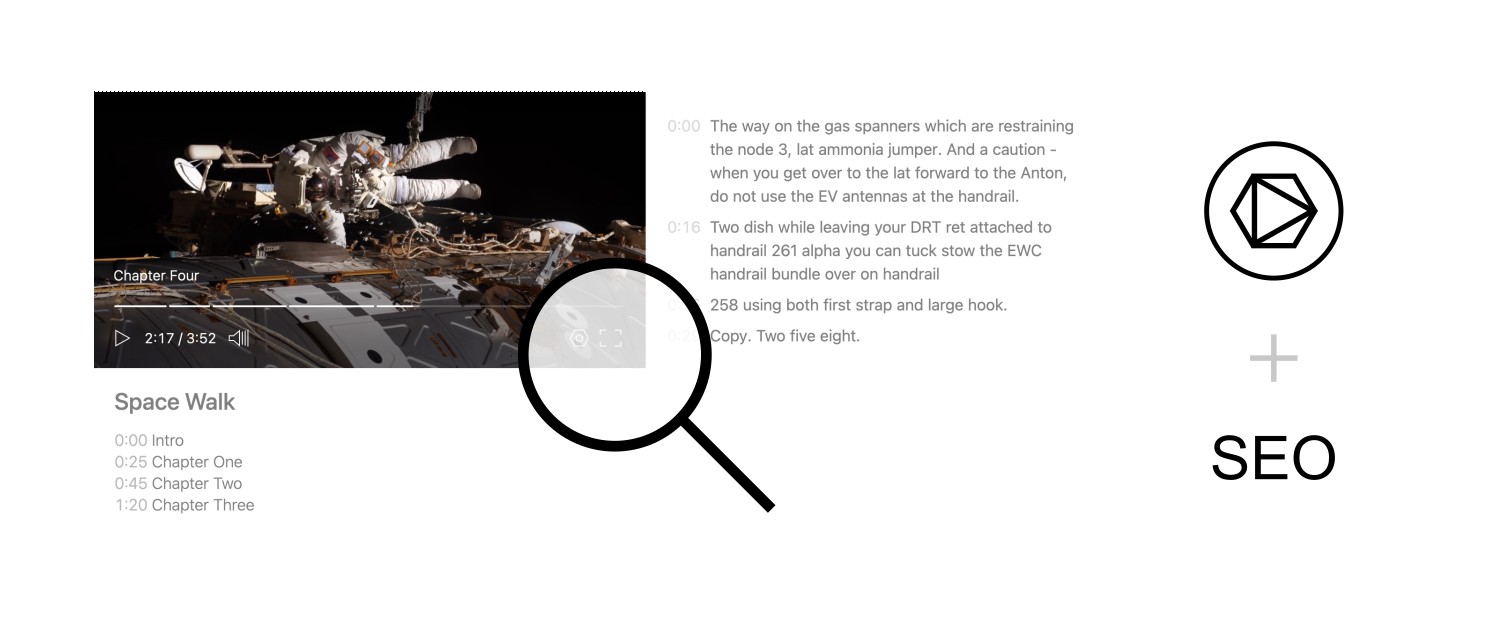
Embed one video or a searchable collection on your site. The player handles adaptive playback, and in-video search helps viewers jump to relevant moments.
1. Search inside video
Skiv indexes speech, on-screen text, objects, people, sounds, and actions. A search result links to the matching moment instead of only returning the whole video.
This feature is particularly valuable for:
Education
Students can locate an explanation without scrubbing through a full lecture.
Online stores
Customers can jump to a demonstration of a specific product feature.
Professionals
Employees can revisit a topic from a workshop or recorded call.
Research
Researchers can find relevant clips within a video archive.
2. Embed one video
Add a player container and load the embed script. Replace the example video ID with your own:
<div class="muse-video-player" data-video="sLFaX4p" data-width="600"></div>
<script src="https://skiv.com/static/js/embed-player.min.js"></script>
The player reads its video ID and width from the container's data- attributes.
3. Embed a collection
A collection embed adds a search field and a grid of matching videos. Use it for a course, documentation library, event archive, or any other group of related videos.
Here's how to add a searchable video collection to your website:
<div id="muse-search"></div>
<div id="muse-videos-grid"></div>
<script src="https://skiv.com/static/js/embed-search.min.js"></script>

<script>
    SkivCollection({
        collection: 'your-collection-id',
        containerInput: '#muse-search',
        containerResults: '#muse-videos-grid'
    });
</script>4. Example uses
The same embed tools work for different kinds of libraries:
Cooking sites
Embed collections of recipe videos where users can search for specific ingredients or techniques.
Online courses
Create searchable libraries of lecture videos, allowing students to quickly find explanations of key concepts.
Independent creators
Publish a branded collection and let viewers search across your portfolio.
Membership sites
Give subscribers access to a branded, searchable archive inside your existing site.
Software documentation
Embed tutorials so users can search for the issue they need to solve.
Sports analysis
Develop collections of game highlights where fans can search for specific players or plays.
5. Customize the player
Set a logo, choose player options, and add CSS when the standard controls need to match your site. This example uses blue accents and a custom logo:
<div id="your-container"></div>
    <script src="https://skiv.com/static/js/embed-player.min.js"></script>
    <script>
      SkivPlayer({
        container: '#your-container',
        video: 'sLFaX4p',
        links: false,
        search: false,
        logo: 'https://skiv.com/static/imgs/skiv-logo-white.svg',
        css: [
          '.player-title { color: #89CFF0; }',
          '.buffer-bar, .time-bar { background: rgba(137, 207, 240, 0.5); }',
          '.time-chapter { background: rgba(137, 207, 240, 0.2); }'
        ].join('\n')
      });
</script>Frequently asked questions
How does video search work?
Skiv indexes spoken words, on-screen text, and visual content. Search results link to matching moments in a video.
Does the player work on mobile?
Yes. The player adapts its layout and playback controls to its container size.
Can I control access?
Yes. Set a video's visibility, protect it with a password, or restrict embeds to approved domains.
Start with one embed
Use the standard player for one video and a collection embed when viewers need to browse or search a library. Add access controls and visual customization only when the page requires them.
Get started (it's free)