Keyword search finds exact words and labels. Smart Search also matches the meaning of a query, which helps when you do not know the wording used in the video.
How Smart Search works
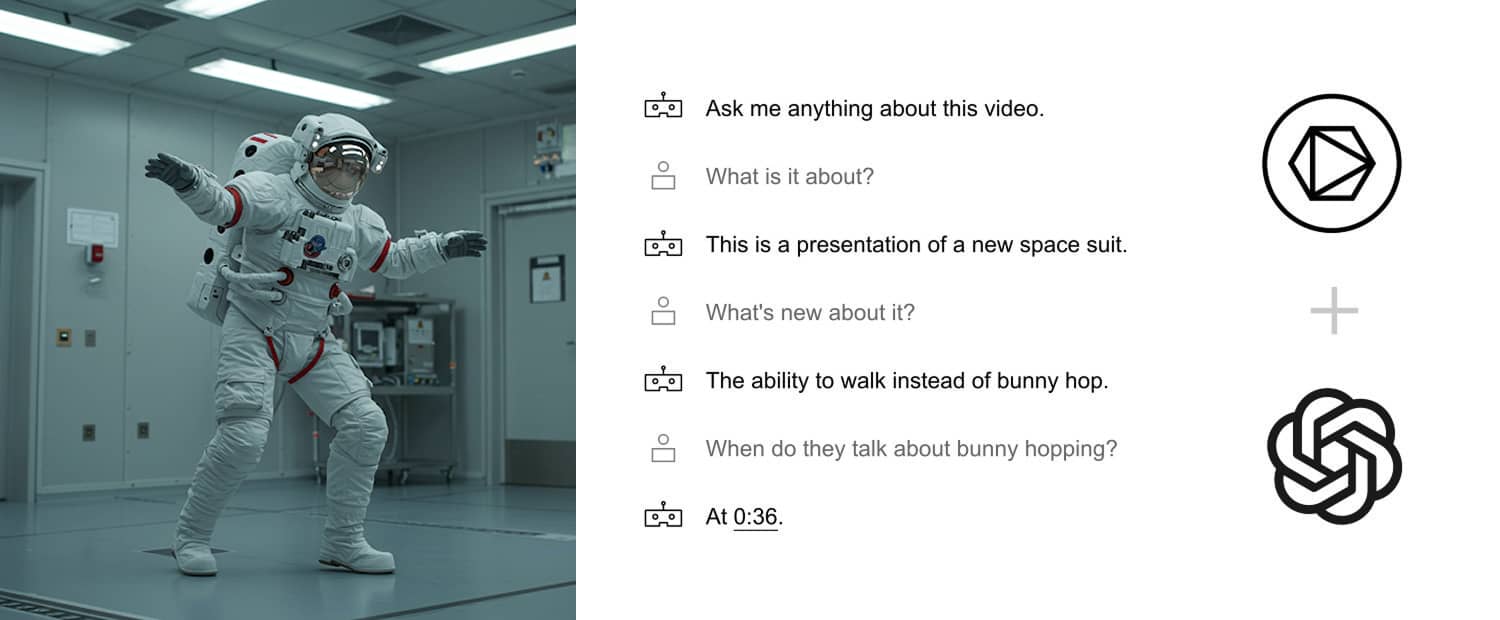
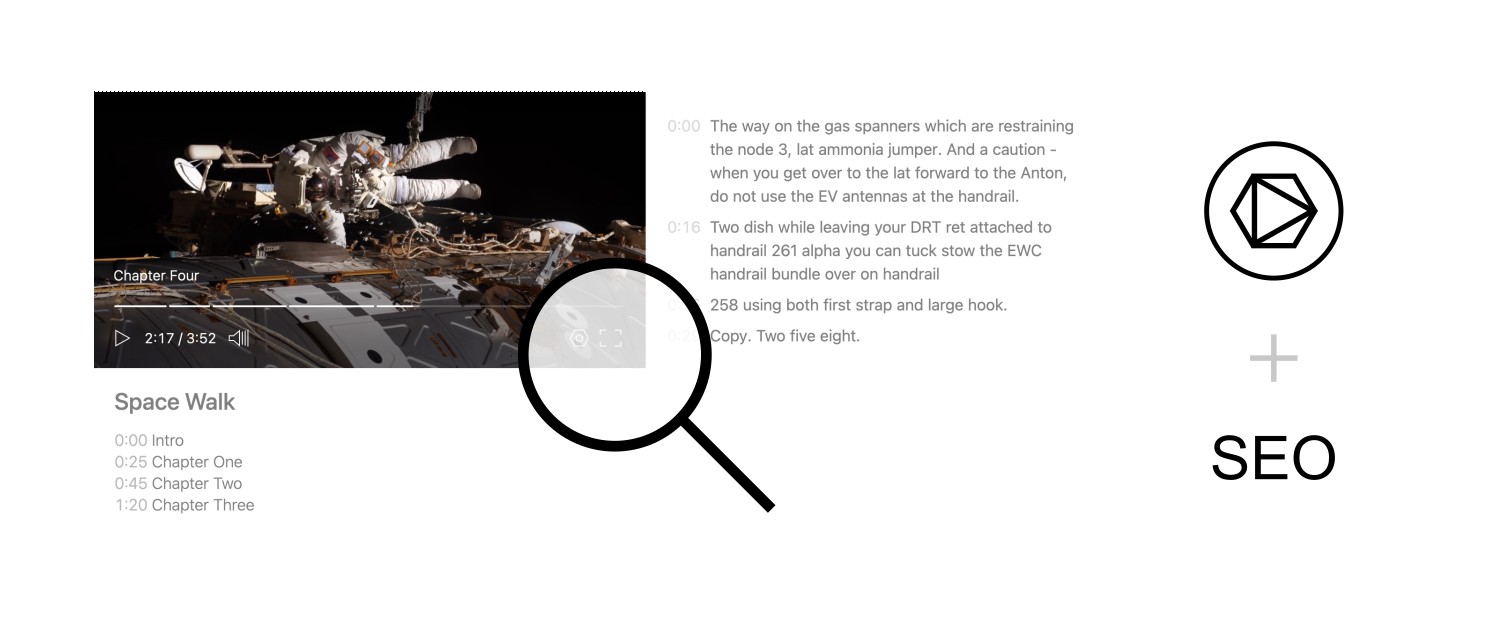
Skiv analyzes two parts of a video: its transcript and its visual scenes. It creates a semantic index that can be searched with a plain-language query.
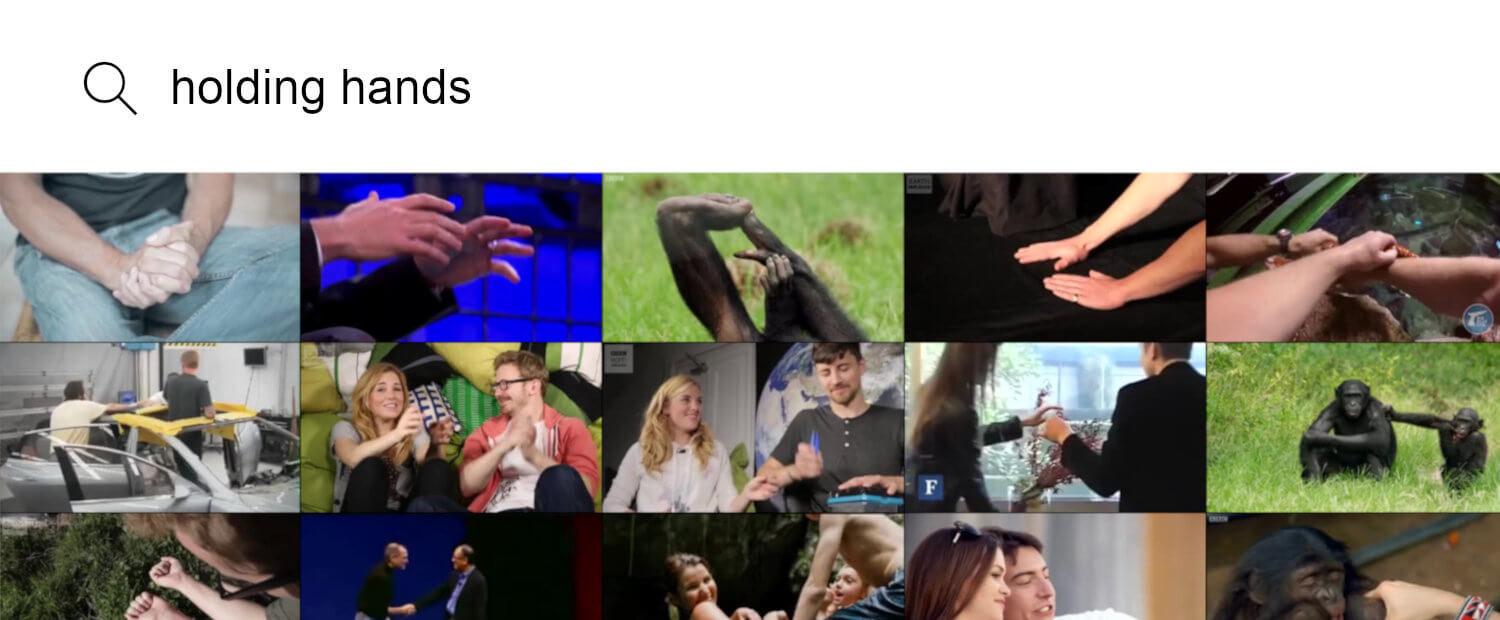
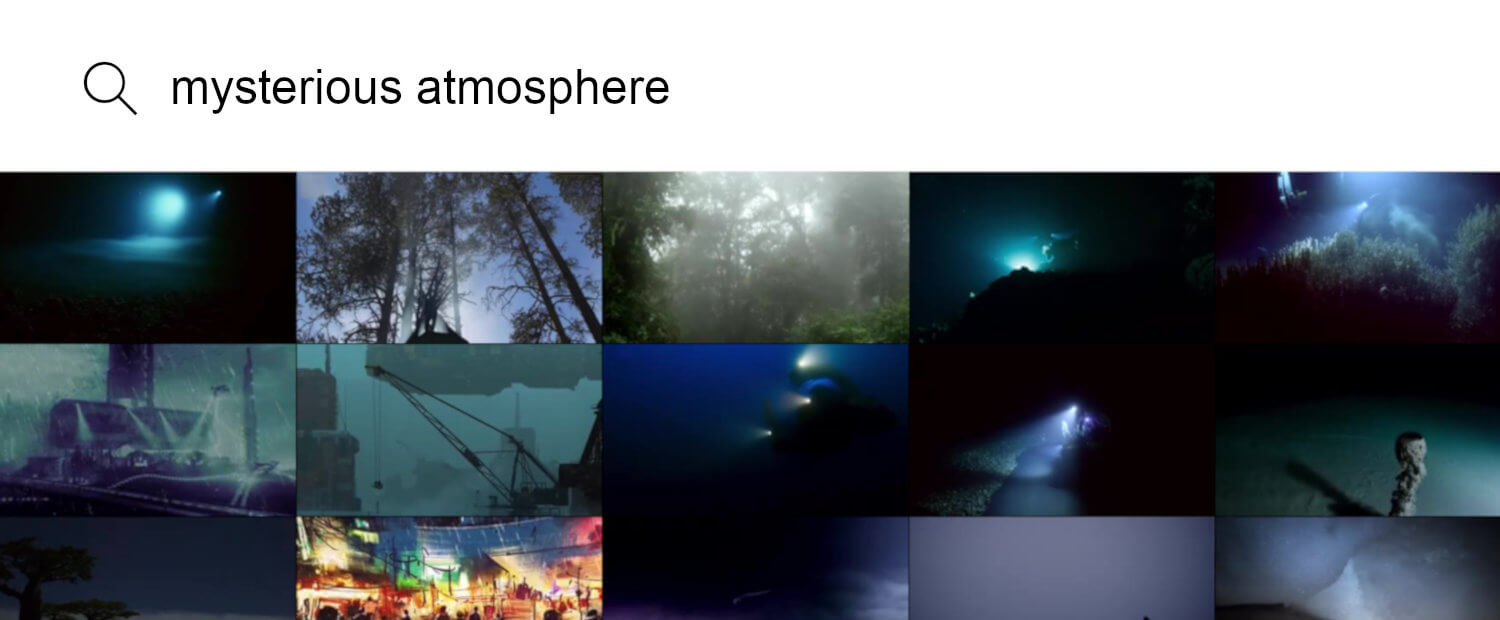
For example, a query about the temperature on Mars can match a clip about the planet's atmosphere even when it does not use the same words. A visual query such as "woman in a red dress walking down the street" can match a scene description.
When to use each search
Use keyword search for a person's name, product name, technical term, or exact phrase. Use Smart Search for a topic, question, or scene when the source may use different words.
Neither method replaces review. Search results depend on the source video, transcription, and visual analysis, so check the matching clip before using it.
Example uses
Students can search lecture recordings by concept. Teams can find a decision in recorded meetings. Editors can search raw footage by what is happening in a scene.
Run both keyword and semantic searches when recall matters. The two indexes answer different kinds of questions.
Get started (it's free)